App-Sync Blog

Guides for CRM operators who need things to actually work

Practitioner-level articles on HubSpot, Salesforce, Zoho, ConnectWise PSA, and the integrations that connect them.

ConnectWise PSA + Zoho CRM: How to Sync Revenue Without Spreadsheets

TL;DR ConnectWise PSA holds MRR, ARR, and TCV for most MSPs. Zoho CRM holds the pipeline, deals, and forecasts. Generic ConnectWise-Zoho integrations sync contacts and accounts but leave the Amount field on Zoho Deals blank or manually maintained. PSA Bridge derives recurring revenue from ConnectWise agreements and writes the Amount (TCV) directly to each Zoho Deal, alongside cw_ custom fields for MRR and ARR, so Zoho reports run on real numbers.
JKA Jul 18, 2026 5:00:00 AM
Read →

ConnectWise PSA + Salesforce: Syncing MRR and ARR to Opportunities Natively

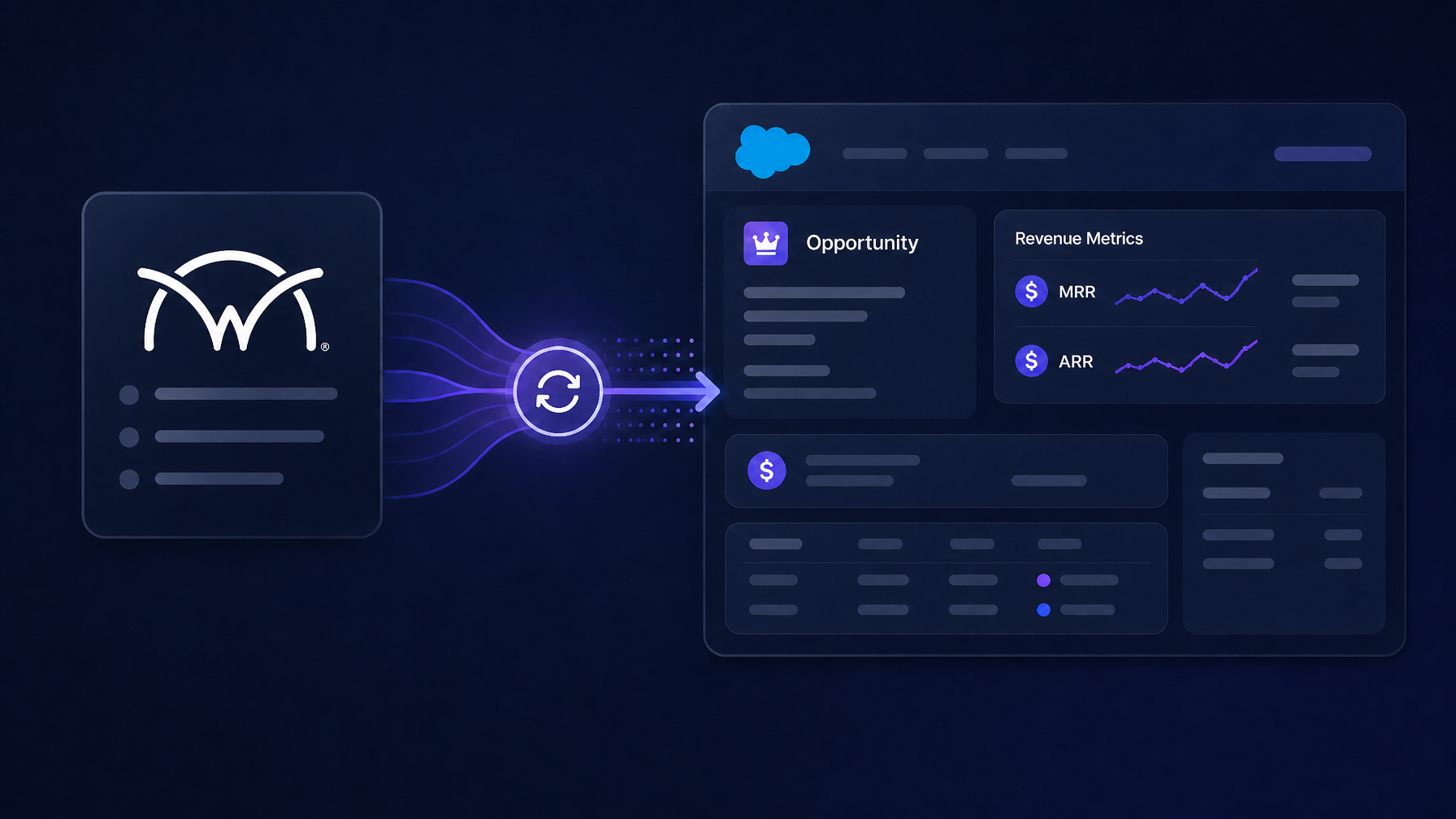
TL;DR ConnectWise PSA holds the recurring revenue truth for most MSPs. Salesforce holds the pipeline and forecasts. Most ConnectWise-Salesforce integrations sync objects and leave MRR and ARR blank on the Opportunity. PSA Bridge derives MRR, ARR, one-time, and TCV from ConnectWise agreements and writes them to Salesforce Opportunities as real Opportunity Products (so the native Amount rolls up to TCV) and custom cw_*__c fields (for MRR and ARR that Salesforce has no native home for).

JKA Jul 17, 2026 5:00:00 AM
Read →

How to Sync ConnectWise PSA with HubSpot: MRR, ARR, and Revenue Fields Explained

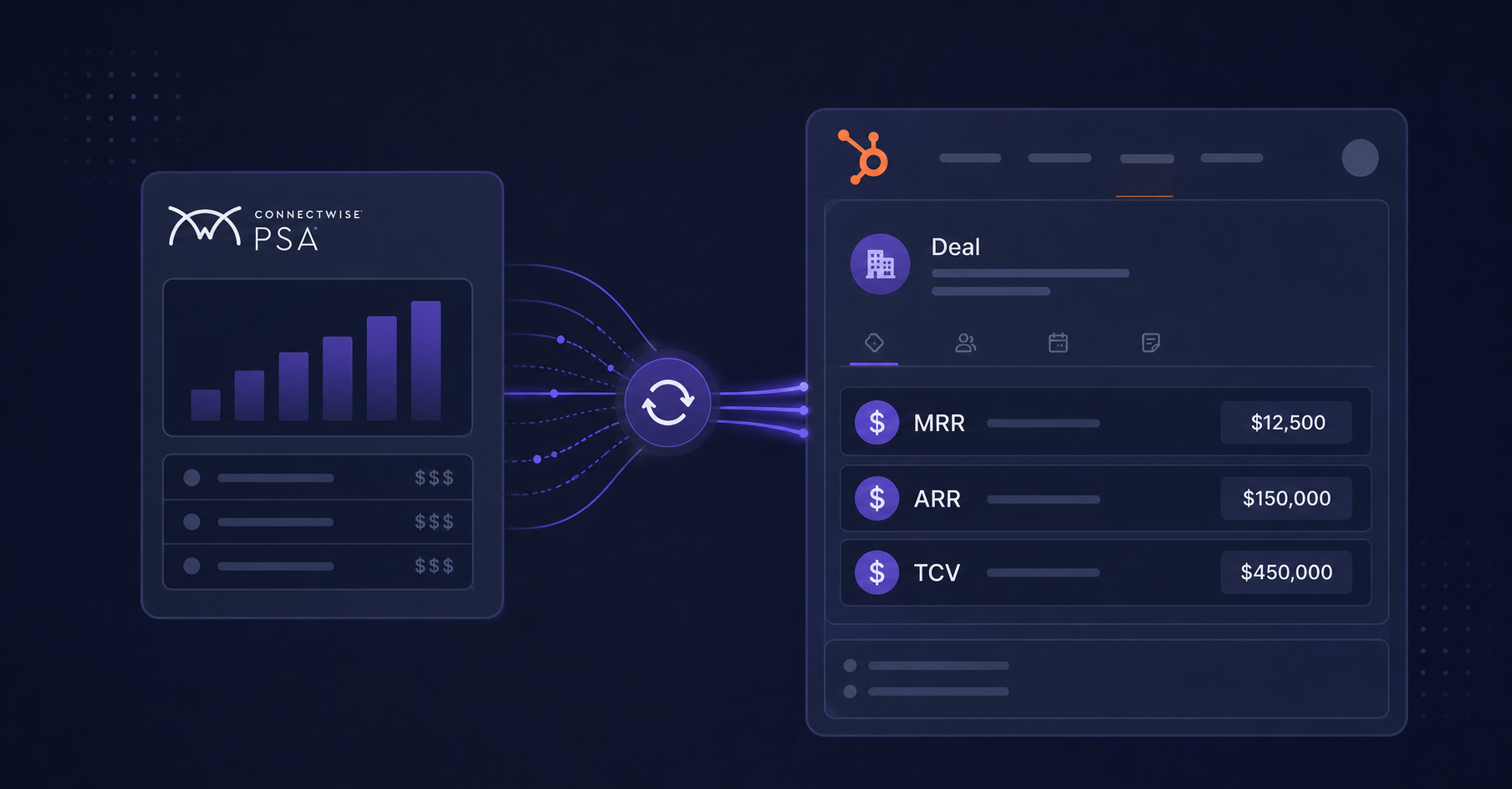
TL;DR ConnectWise PSA is where MSP recurring revenue lives. HubSpot is where sales forecasts, reports, and workflows live. Most ConnectWise-HubSpot integrations sync objects (contacts, companies, tickets) but leave MRR, ARR, and TCV locked in ConnectWise. PSA Bridge derives those figures directly from ConnectWise agreements and opportunities and writes them into HubSpot's native revenue fields, so reports, forecasts, and workflows run on real numbers without spreadsheet exports.

JKA Jul 16, 2026 5:00:00 AM
Read →
Salesforce Email Importer

How to Backfill Email History into Salesforce After a CRM Migration

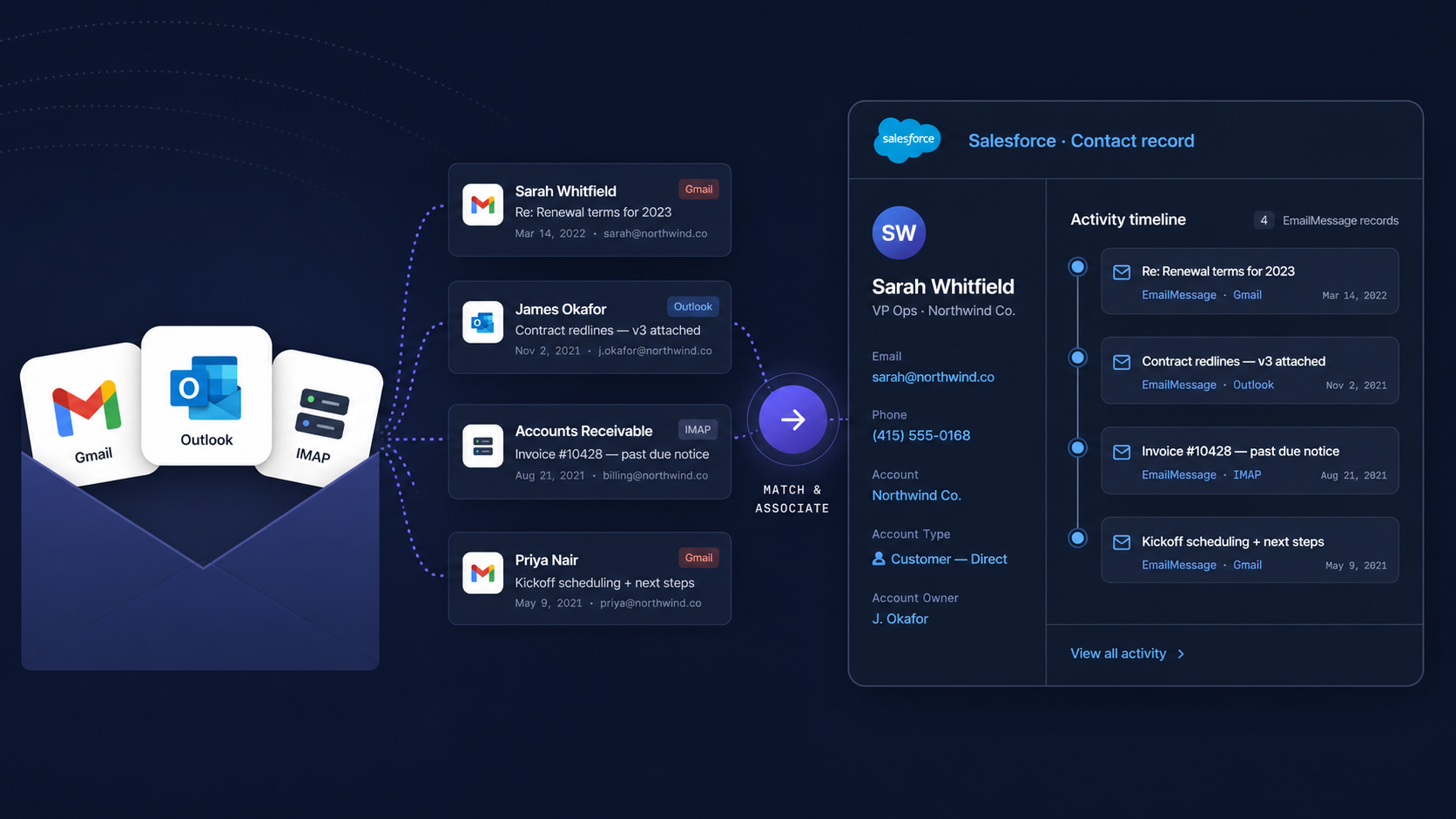
TL;DR When teams migrate to Salesforce, contacts and accounts transfer cleanly. Email history from Gmail, Microsoft 365, or IMAP mailboxes does not. Salesforce's native tools capture new email going forward, not historical conversations. A platform-level backfill reads the mailbox directly, matches each email to the right contact and account, and writes native EmailMessage records to the Activity Timeline, as if the history had always been there.

JKA Jul 15, 2026 5:00:00 AM
Read →

How to Backfill Email History into HubSpot After a CRM Migration

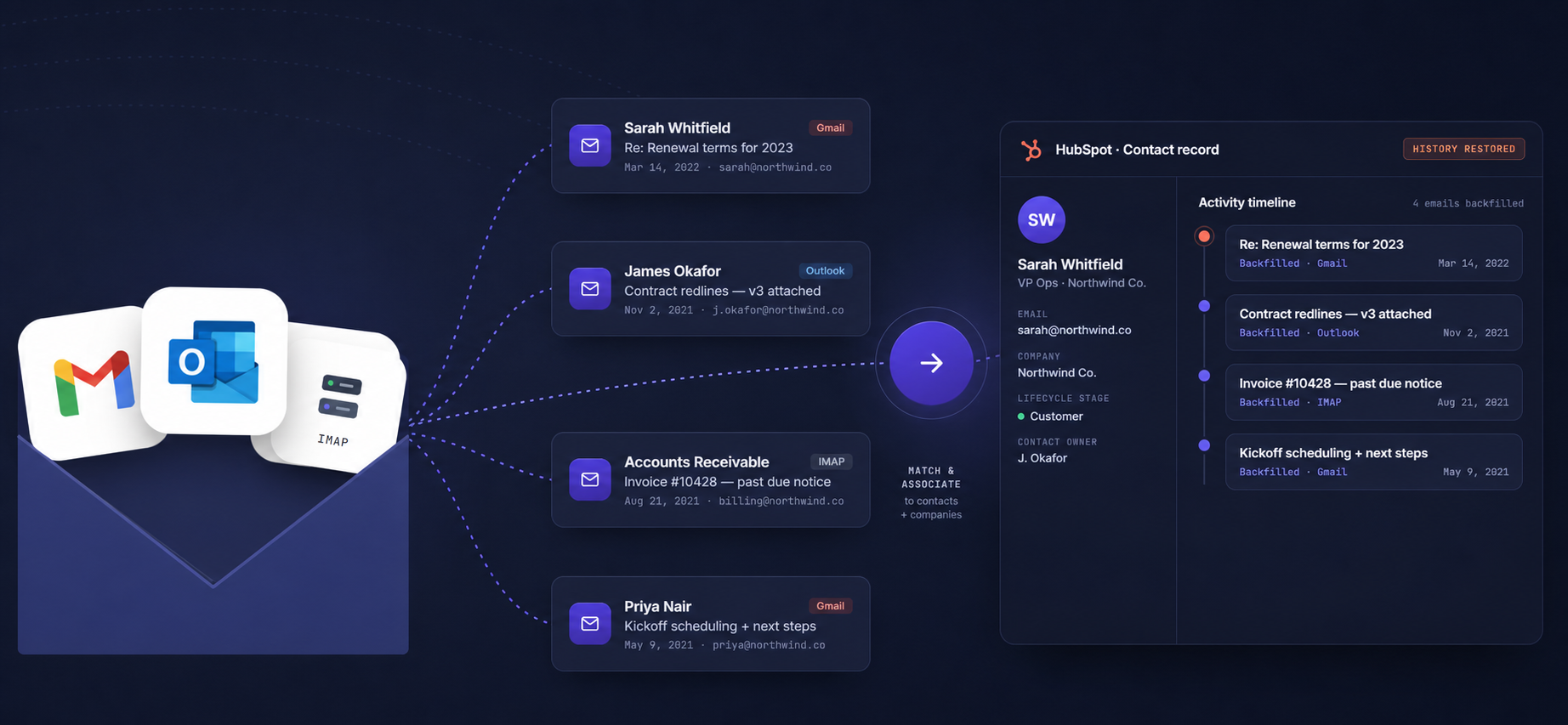
TL;DR Most HubSpot migrations move contacts and companies but leave email history behind in Gmail, Outlook, or another mailbox. The result: sales reps opening contacts with no conversation history on the first call after the migration. A platform-level backfill restores that history as native HubSpot email engagements, associated to the right contacts and companies, without manual work.

JKA Jul 14, 2026 5:00:00 AM
Read →