TL;DR
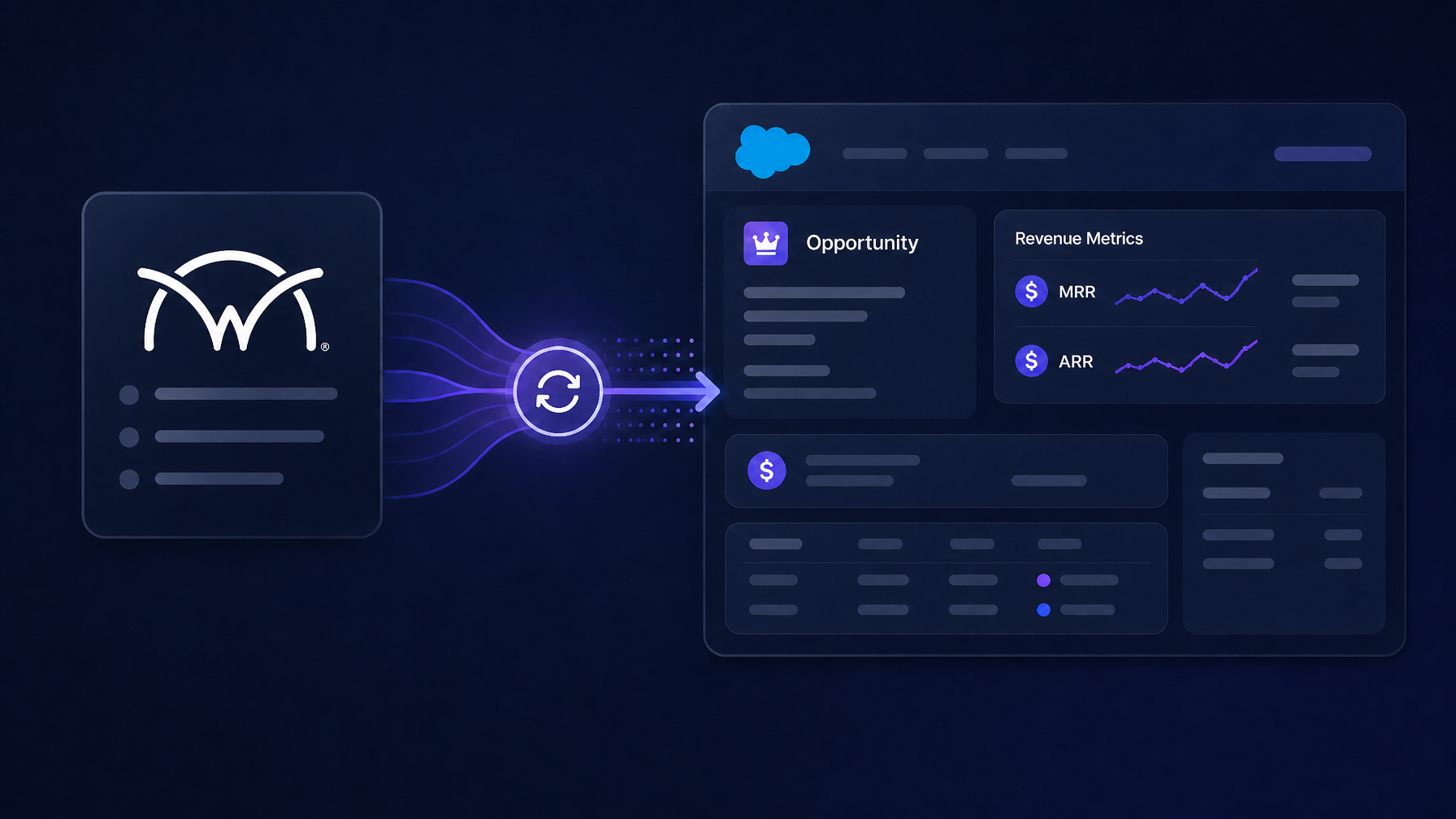
ConnectWise PSA holds the recurring revenue truth for most MSPs. Salesforce holds the pipeline and forecasts. Most ConnectWise-Salesforce integrations sync objects and leave MRR and ARR blank on the Opportunity. PSA Bridge derives MRR, ARR, one-time, and TCV from ConnectWise agreements and writes them to Salesforce Opportunities as real Opportunity Products (so the native Amount rolls up to TCV) and custom cw_*__c fields (for MRR and ARR that Salesforce has no native home for).
The Revenue Visibility Problem for MSPs on Salesforce
An MSP running ConnectWise PSA and Salesforce operates with a split revenue picture. ConnectWise knows the agreements: the managed services contracts, the billing cycles, the recurring additions, the total contract values. Salesforce knows the pipeline, the deal stages, the forecast categories, the activity history.
The two systems don't naturally agree on what a deal is worth.
In Salesforce, the Opportunity Amount field is what reports, forecasts, and dashboards read. If that field is blank or inaccurate, every report downstream is wrong. An MSP with $40,000/month in recurring managed services agreements has a Salesforce forecast of zero until someone manually enters the number, usually from a ConnectWise export.
Why Salesforce's Native Amount Field Isn't Enough
Salesforce's Opportunity Amount field rolls up from Opportunity Products. If no Opportunity Products exist on a deal, Amount is a manual entry field. Salesforce has no native MRR or ARR field on the Opportunity object. MRR and ARR have to land in custom fields, typically named cw_mrr__c and cw_arr__c.
A complete revenue sync from ConnectWise to Salesforce requires: (1) real Opportunity Products written to the Opportunity so the native Amount rolls up to TCV correctly, and (2) custom cw_*__c fields populated with MRR and ARR. Most ConnectWise-Salesforce integrations do neither.
How PSA Bridge Handles the Salesforce Revenue Model
App-Sync PSA Bridge for Salesforce runs a four-step revenue engine:
Classify. Every ConnectWise line item is classified as one-time or recurring.
Normalize. Every recurring line normalizes to a clean monthly figure with an explicit term.
Derive. MRR is the sum of all normalized recurring lines. ARR is 12 × MRR. TCV is MRR × term months plus one-time revenue.
Write to Salesforce. Real Opportunity Products are written to the Opportunity. Salesforce rolls their total up into the standard Amount field (= TCV). MRR and ARR land in cw_mrr__c and cw_arr__c custom fields. The bridge creates those fields on install.
Step-by-Step Example
Input: Managed services, 25 seats, billed quarterly at $3,750. Plus Backup & DR at $500/month.
- Classify: Both recurring.
- Normalize: $3,750 ÷ 3 = $1,250/month.
- Derive: MRR = $1,750. ARR = $21,000. TCV = $21,000.
- Write: Two Opportunity Products on the Salesforce Opportunity. Amount = $21,000.
cw_mrr__c= $1,750.cw_arr__c= $21,000.
What Syncs, and in Which Direction
| Object | Direction | Notes |
|---|---|---|
| Accounts | Two-way | Matched by domain, never by name |
| Contacts | Two-way | Matched by email |
| Opportunities / Revenue | ConnectWise → Salesforce | ConnectWise leads on revenue |
| Cases | ConnectWise → Salesforce | Service ticket context on the Opportunity |
| Activities | Two-way | Calls, tasks, meetings, notes as Salesforce Tasks and Events |
| Products | ConnectWise → Salesforce | Product catalog syncs into Salesforce Products (Product2) |
Safety: Held Records, Not Silent Failures
- Write fingerprinting prevents sync loops in two-way sync
- Origin markers prevent duplicate record creation
- Domain matching, never name: accounts match by domain, preventing lookalike company merges
- It only touches Opportunity Products it created: your team's hand-built quote lines are never overwritten
- 2,000+ automated tests run before every release
Get Early Access
PSA Bridge for Salesforce is in early access and onboarded directly by App-Sync. AppExchange listing is in progress.